
Long recordings, not just memos
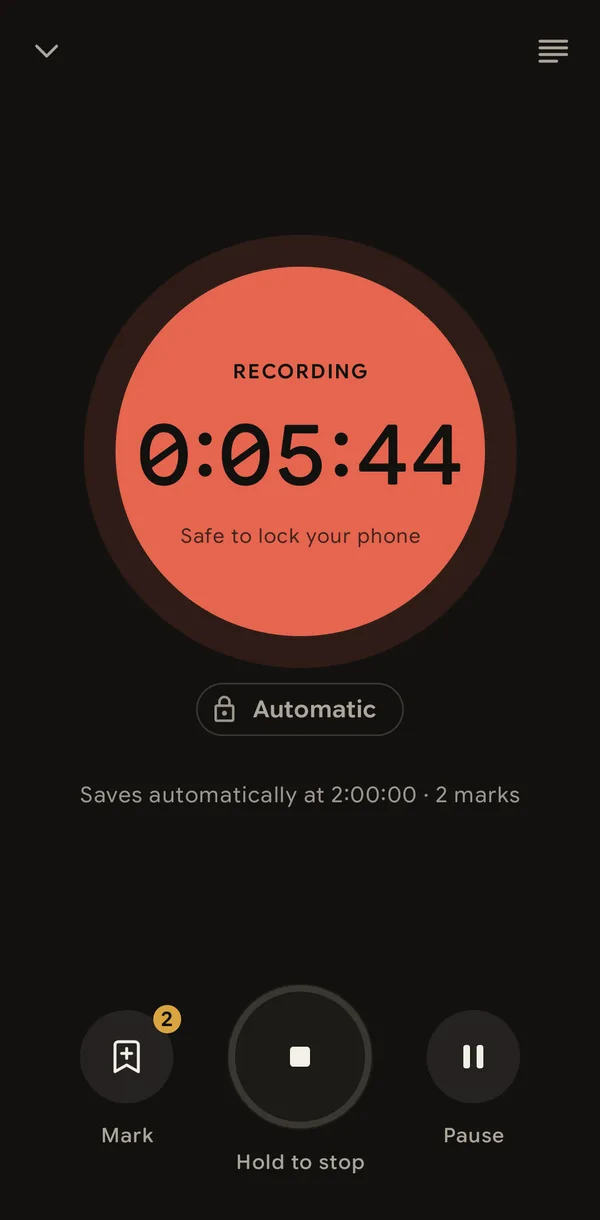
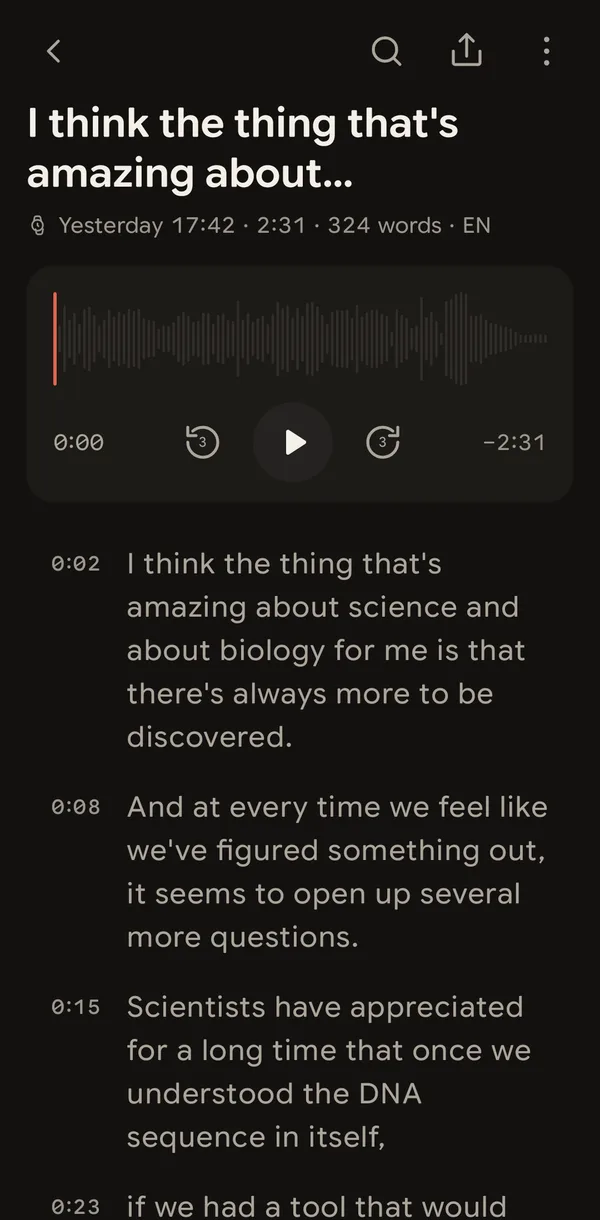
Dictate, or record a meeting or an interview. Transcription starts while you are still speaking, so the text is ready close to when you stop.

 EN
Transcribed offline, on-device. No account, no cloud, no subscription.Plain Markdown in a folder you choose. Start it from Wear OS too.
Murlivo is a complete app on the phone alone. No watch needed.
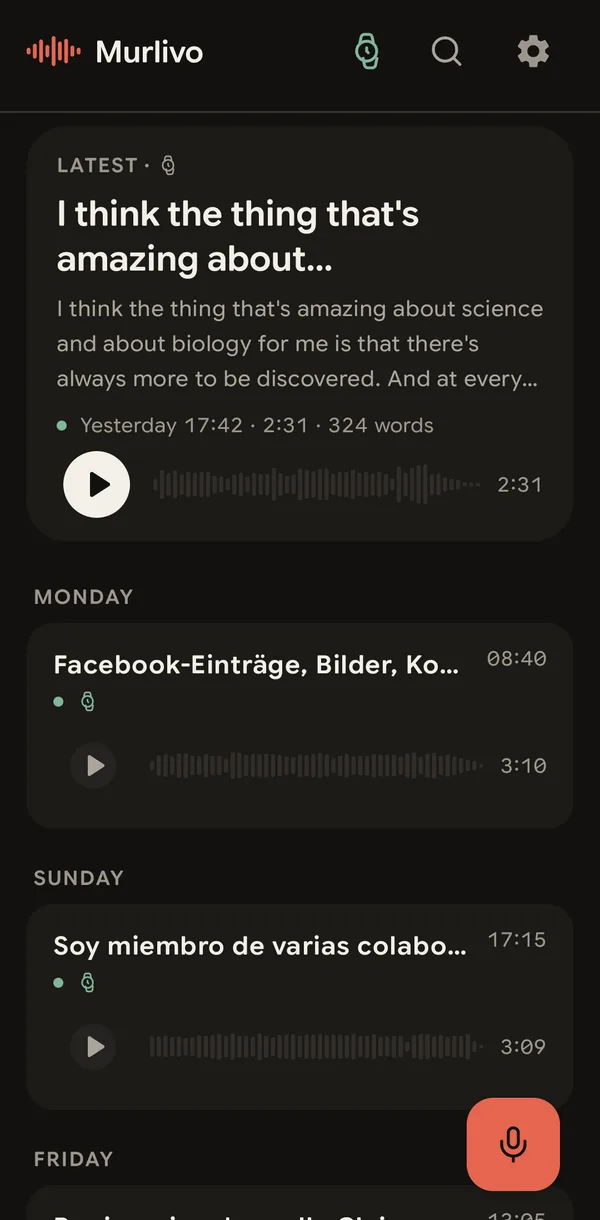
Dictate, or record a meeting or an interview. Transcription starts while you are still speaking, so the text is ready close to when you stop.
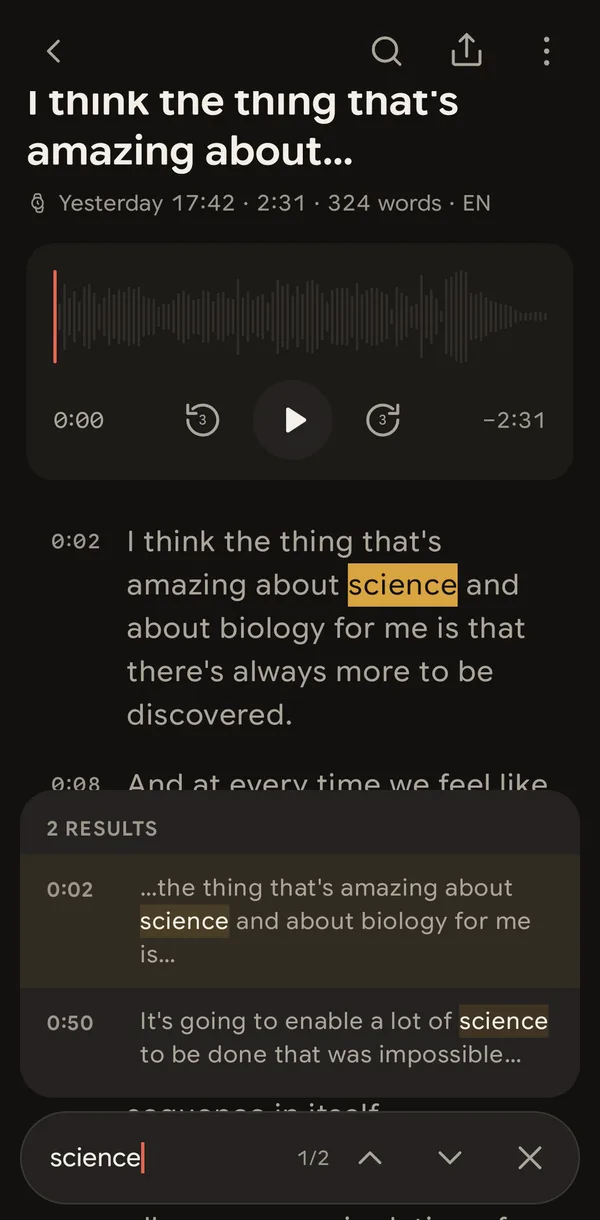
Search inside a transcript. Every match shows where it falls in the recording.
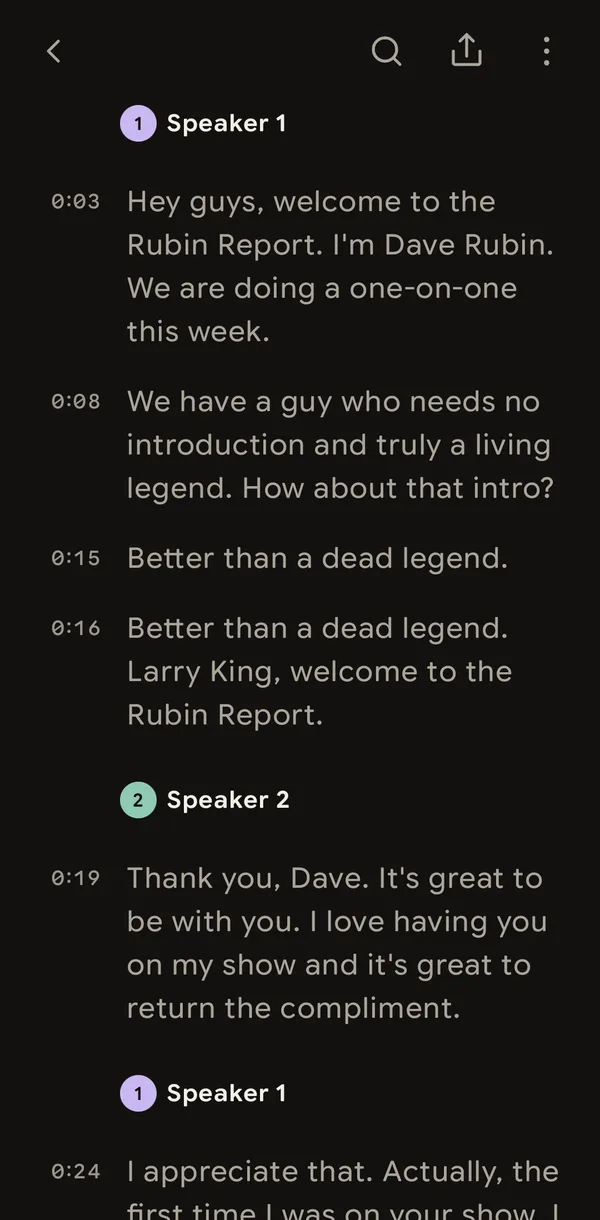
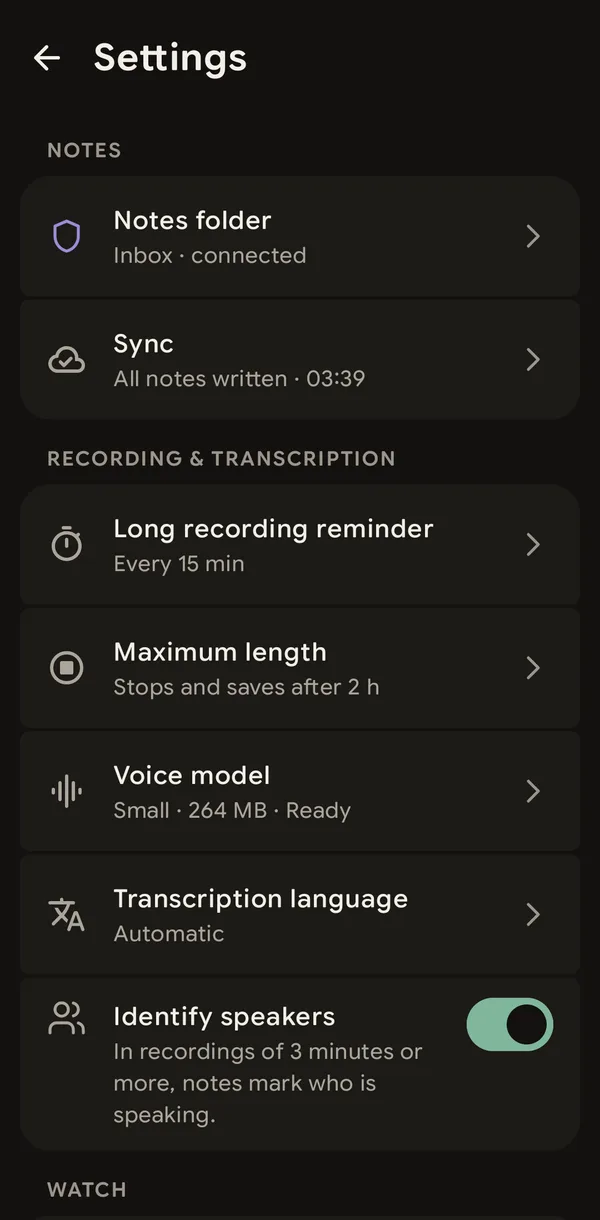
In a recording of 3 minutes or more with two or more voices, the transcript marks each speaker. Put in their names, or merge two speakers, in the app.
A speech model runs on your phone, so nothing is uploaded. Pick a smaller, faster model or a larger, more accurate one; it downloads once, then everything runs offline.
The app is in English, German, Spanish, French and Portuguese, and it transcribes many more languages.
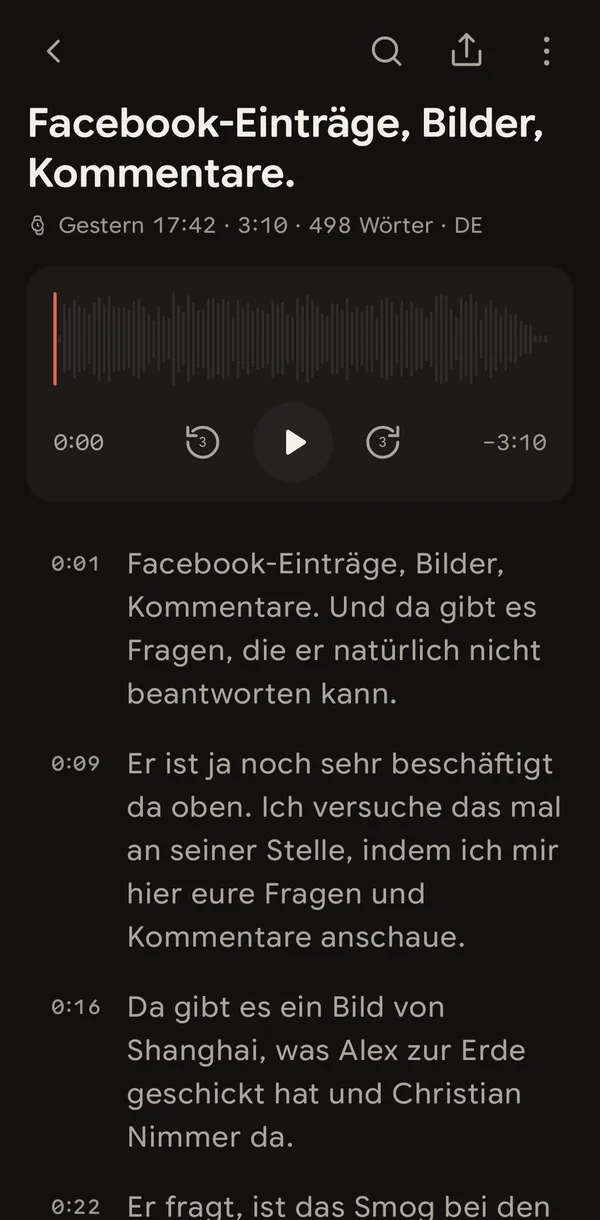
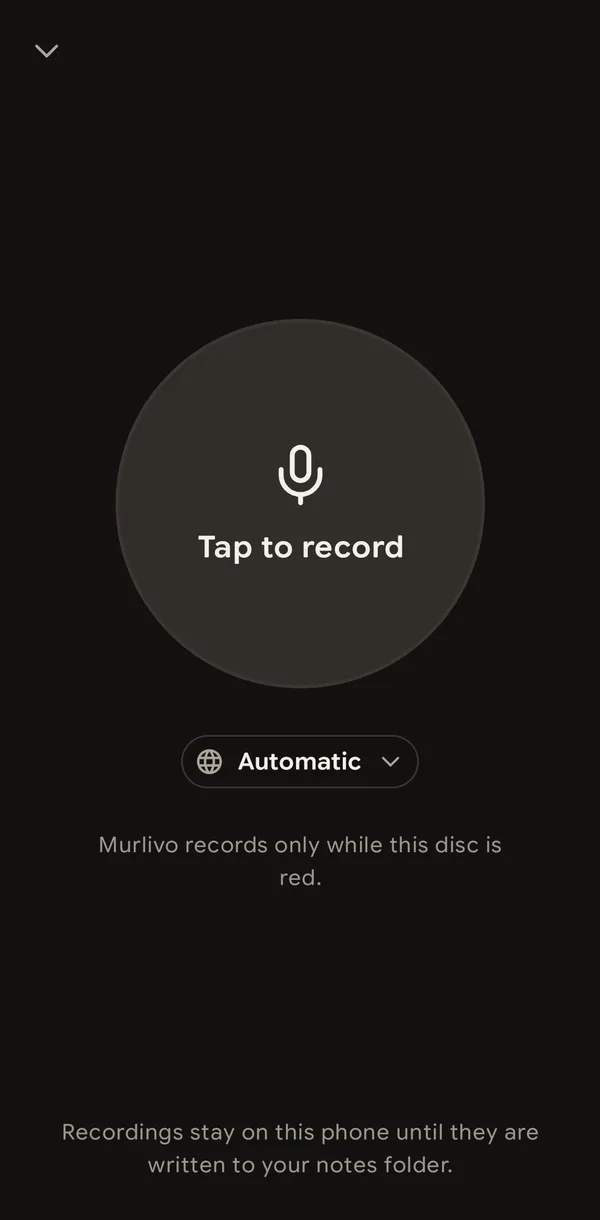
Murlivo detects the spoken language by itself. If you know it, choose it on the record screen for that one recording. Your default in Settings stays as it is.
Your notes are plain Markdown files in a folder you pick, one file per day, with the audio in a subfolder. Point it at an Obsidian vault and your notes appear there as normal files.
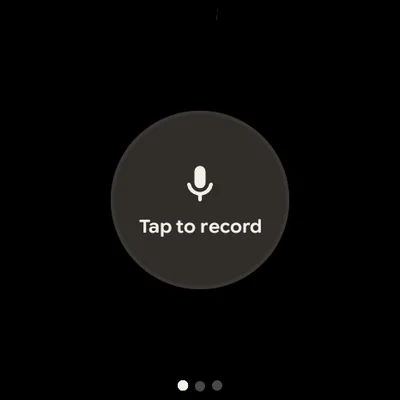
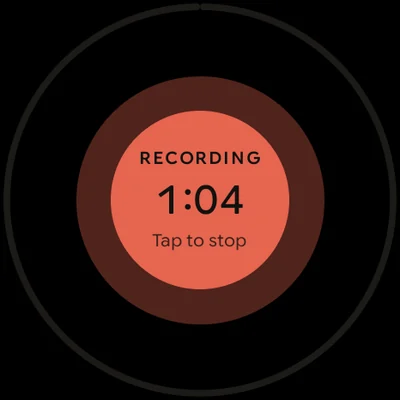
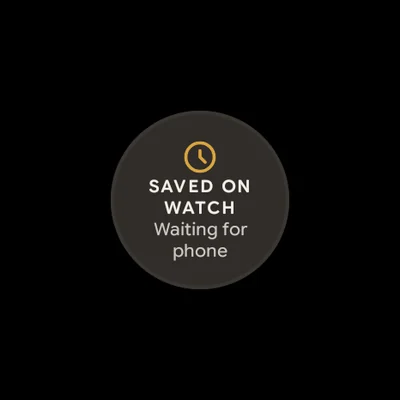
On a Wear OS watch, a tile or a complication starts recording in one tap. Away from your phone, the watch keeps the audio and sends it when the phone is back in range.
Yes. Murlivo is a complete app on any phone with Android 11 or newer: it records, transcribes and saves your notes on its own. A Wear OS watch is an extra that lets you start recording from your wrist.
Murlivo is free, with no ads and no subscription. There is no account and no sign-in: install it and press record.
Transcription runs on your phone. Audio moves only between your watch and phone, over Google's Wear OS sync. Your recordings and transcripts stay on your devices and in the folder you choose; the Murlivo team never receives them. The app downloads its speech model once and sends anonymous usage and crash data, which you can turn off on the About Murlivo screen.
Yes. After the one-time speech model download, recording and transcription both work with no connection, even in airplane mode.
Murlivo detects the spoken language by itself, or you can choose one of 20 languages, including English, German, Spanish, French, Portuguese, Italian, Dutch and Polish. The app itself is in English, German, Spanish, French and Portuguese.
Your notes are plain Markdown files in a folder you choose, one file per day, with the audio kept in a subfolder. Choose your Obsidian vault and your notes appear there as normal files; any other notes app or file manager can open them too.
Long enough for a dictation, a meeting or an interview. By default a recording stops and saves itself at 2 hours; in Settings you can pick 30 minutes, 1, 2 or 4 hours, or no limit.
Watches with Wear OS 3 or newer, paired with an Android phone that has Murlivo. The watch records on its own, even away from the phone, and the phone transcribes the recording when they are back in range.